
SmartHub just got more secure!

Learn what you need to know below.

Landing Page circle

SmartHub just got more secure

Two-factor authentication (2FA) is now turned on for all SmartHub users. Below are a few resources that can help you navigate this change and understand why we’re adding this requirement.

What is Multi-Factor Authentication (MFA)?

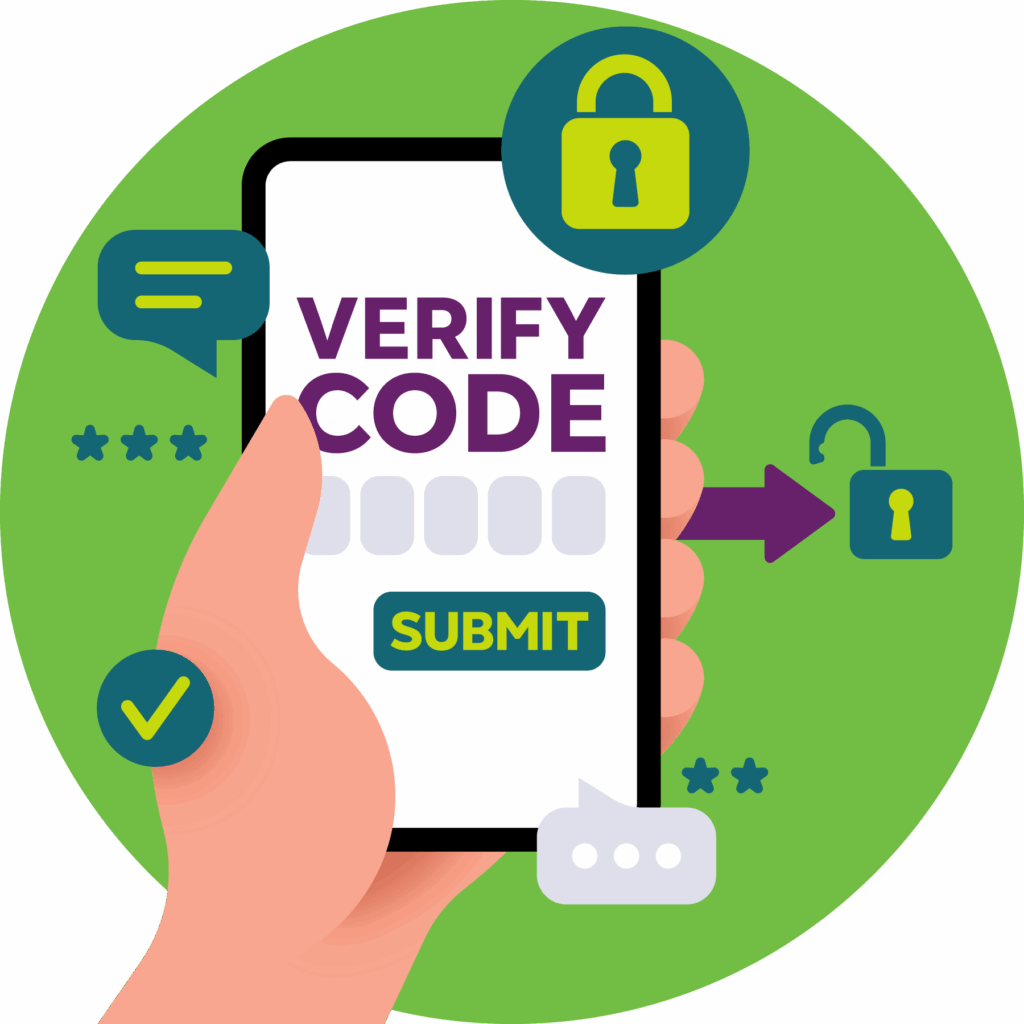
MFA is a security measure that requires users to prove their identity by supplying two or more pieces of evidence for logging in. It’s required for users in some applications but not all.

Note: Multi-Factor Authentication (MFA) is also known as Two-Factor Authentication (2FA).
2fa

Why is MFA Important?

  • Customer Confidence and Protection: Many companies see the need to increase their focus on security for not only building confidence with customers but also to protect consumer data. MFA security helps you guarantee the privacy of your customers’ information and adds a level of comfort knowing steps are in place for that protection.
  • Increased Layer of Security: MFA is an important security feature that requires users to verify their identity by providing more than just a username and password. It requires users to provide a combination of a password, a hardware token, and/or a biometric scan to verify user identity when accessing a SmartHub or Pay Now site. Passwords alone are not effective in securing your most sensitive business assets, as they have become too easy for threat actors to access.
  • Consumer Access Control: MFA is quite simple, and organizations are focusing more than ever on creating a smooth user experience. In fact, many people already use it in some form. For example, you’ve used MFA if you’ve swiped your bank card at the ATM and then entered your PIN (personal ID number).
  • Decrease Vulnerability: Without MFA in place, your organization leaves itself vulnerable where information or data within your system could be compromised. You also increase the risk of vulnerabilities due to stolen data. These vulnerabilities can be exploited by malicious actors, hackers, and cyberattacks.
  • Benefits from using MFA include:
    • Commitment to customer protection
    • Trusted confidence of secured transactions
    • Multiple validations for securing identity

FAQ

Multi-Factor Authentication (sometimes called Two-Factor Authentication or 2FA) adds an extra layer of security to your SmartHub account. It helps protect your personal and financial information by requiring a verification code—sent to your email or phone—when you log in.

No. MFA is optional. However, we strongly recommend enabling it to keep your account more secure. It only activates after you choose to turn it on.

Yes.
You can remove MFA anytime:

  • On a computer (SmartHub Web):
    Go to Settings > Two-Factor Authentication and choose Delete to disable MFA.
  • On the SmartHub Mobile App:
    Go to Settings > Security > Two-Factor Authentication and remove the method you have set up.

If you don’t get the code:

  1. Double-check that your phone number or email is correct.
  2. Check for delays in your mobile service or email provider.
  3. Look in your spam or junk folder.
  4. Request the code again from the login screen.

If you still don’t receive it, our representatives can verify whether a code was successfully sent and help determine your next steps. (We cannot see the code itself.)

No. For your security, we cannot view the 2FA verification code that was sent to you. Only you receive that information.

If you enter an incorrect code, SmartHub will send you back to the login screen. Simply log in again, and a new verification code will be sent to you. Each code is unique and sent in real time.

Always use the most recent code sent to you. Each new request cancels any previous code.

If you previously selected “Remember Me” during login, your device may stay trusted temporarily.

If you want SmartHub to prompt you for a code again:

  1. Go to Settings > Security > Two-Factor Authentication and confirm your delivery method is correct.
  2. Clear your browser’s cache or restart the SmartHub app.
  3. Try logging in again.

If you’ve lost access to the device or email that receives your verification codes, contact Pioneer Connect. Our support team can help reset your MFA settings so you can set up a new method. (For security, this must be done by a representative.)

You can update your contact information in SmartHub under:
Settings > Contact Methods
Then re-enable MFA under Settings > Two-Factor Authentication.

Check out our support page or feel free to contact us!